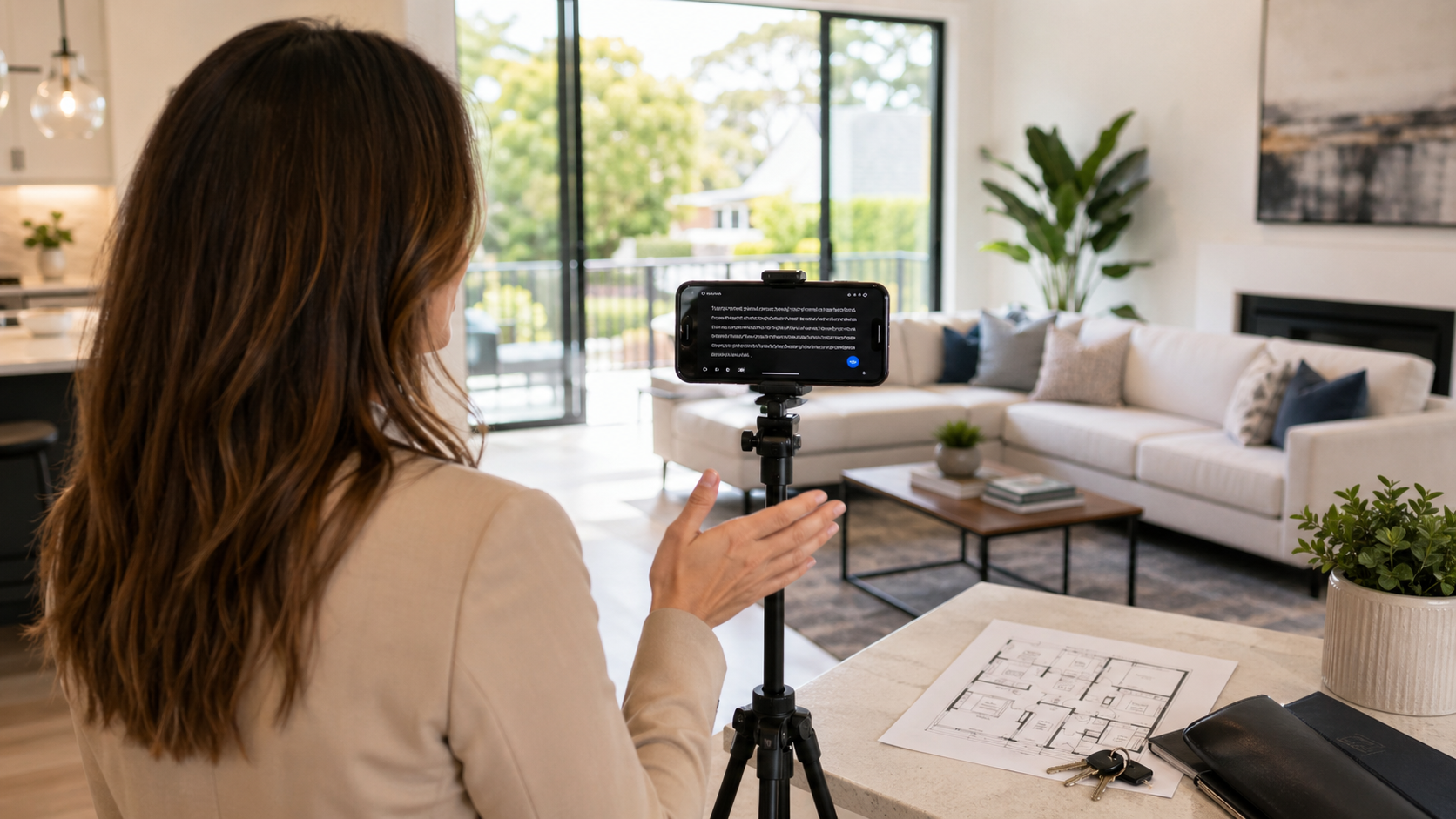
Real estate listing videos usually fail because the agent is trying to remember the tour, the property facts, and the camera framing at the same time. A teleprompter app helps by turning the walkthrough into a repeatable script that stays close to the lens.
Teleprompter Automatic is a practical fit for this work because the product documentation covers script libraries, configurable reader controls, camera recording, video editing and export, cloud sync when enabled, and remote-control workflows across the mobile apps. The article below focuses on how an agent can use those capabilities without making the video sound scripted.
Quick answer for real estate agents
Use a teleprompter app when the property video needs a clear opening, accurate room-by-room details, and a concise closing call to action. Write the script in short blocks, place the phone near the lens, test the scroll speed aloud, and record a short sample before filming the full listing.
The goal is not to read a brochure word for word. Strong property videos still sound like a person showing the home. The teleprompter should carry the facts, sequence, and pacing so the agent can focus on eye contact, movement, and tone.
What to script before arriving at the property
Start with the parts that are easy to forget on camera: address-free location context, property type, number of rooms if you plan to mention it, standout upgrades, neighborhood angle, and the next step for interested buyers or renters. Keep any regulated or market-sensitive claims aligned with your brokerage rules.
A useful real estate script has five blocks:
- a one-sentence hook for the kind of buyer or tenant the home suits
- a short exterior or entry setup
- two or three room highlights with concrete details
- a lifestyle bridge that explains how the space is used
- a closing line that tells viewers how to schedule a showing or ask for details
Put each block on its own paragraph. In Teleprompter Automatic, short paragraphs are easier to read because the reader can move through one idea at a time instead of forcing the agent to chase a dense block of copy.
Use the teleprompter to protect property facts
Listing videos often include numbers, room names, finish descriptions, school or commute references, and availability details. Those details are exactly where improvising can create mistakes. A teleprompter lets the agent keep the verified phrasing in view while still speaking naturally.
Keep the fact-heavy lines brief. If the kitchen has quartz counters, new appliances, and a walk-in pantry, do not stack every detail into one long sentence. Use one line for the feature and one line for why it matters to the viewer. That structure makes the video easier to record and easier to edit later.
Set up the reader for a walkthrough, not a desk recording
A real estate video usually involves movement, changing light, and wider framing than a talking-head clip. Before recording, set a larger text size, generous line spacing, and a scroll pace that works while you are standing or walking slowly.
Teleprompter Automatic product documentation covers configurable reader controls, including scroll speed and reader presentation settings on iOS, and fixed-speed, timed, words-per-minute, and speech-recognition scroll modes on Android. For a listing video, start with predictable fixed-speed or timed scrolling. Use speech-driven scrolling only after testing it in the same room noise and echo conditions.
Record a short room test before the full tour
Record the opening and one room highlight first. Review it for three things: whether your eyes stay near the lens, whether the script sounds like spoken language, and whether the phone position still shows the room clearly.
If the test feels too formal, shorten the sentences. Real estate viewers do not need every specification in the first pass. They need enough context to understand why the room matters and whether they want to keep watching.
Use script folders for repeatable listing formats
Agents who record often can save time by keeping reusable script formats: apartment tour, single-family home, luxury listing, rental update, open-house reminder, neighborhood teaser, and sold-story recap. Product documentation for both mobile apps covers script and folder management, so this is a workflow the app is built to support.
Do not reuse the same wording blindly. Keep the structure, then replace the property-specific facts. A reusable template should prevent missed details, not make every listing sound identical.
Match the script to the final platform
A full listing tour, Instagram Reel, TikTok walkthrough, YouTube Short, and brokerage website video need different pacing. Decide the destination before you record so the script length and orientation make sense.
For short vertical clips, use one hook, one standout feature, and one next action. For a longer website or YouTube tour, use the room-by-room sequence. If the same property needs both, record the longer version first and keep a shorter script variant for social posts.
Where Teleprompter Automatic fits the agent workflow
The product should support the working day, not add another production layer. A practical sequence is: draft the listing script, save it in a property or format folder, rehearse the opening, record a test, capture the full take, then use editing and export tools only after the message is clear.
Cloud sync can help when a script starts on one device and recording happens on another, as long as the account and sync settings are enabled. Remote controls are useful when the recording phone is mounted out of reach. Editing and export tools help after the take is usable, especially when the agent needs a clean clip for a listing page or social post.
Mistakes that slow down property videos
- writing the script like a listing description instead of spoken copy
- opening with too many facts before explaining who the property suits
- setting scroll speed while reading silently instead of speaking at camera pace
- recording the full walkthrough before checking light, sound, and eye line
- trying to mention every feature instead of choosing the details that help the viewer decide
Related Teleprompter Automatic guides
- Teleprompter Automatic for content creators - connects real estate video work to the broader creator workflow hub.
- teleprompter tips for sales videos - helps agents tighten persuasive but natural sales messages.
- teleprompter workflow for Reels and TikTok - supports short vertical property clips.
- scrolling and reader controls - explains the reader settings used in the article.
- camera and recording settings - supports setup checks before filming a room tour.
- record and export videos - moves from script setup to final video output.