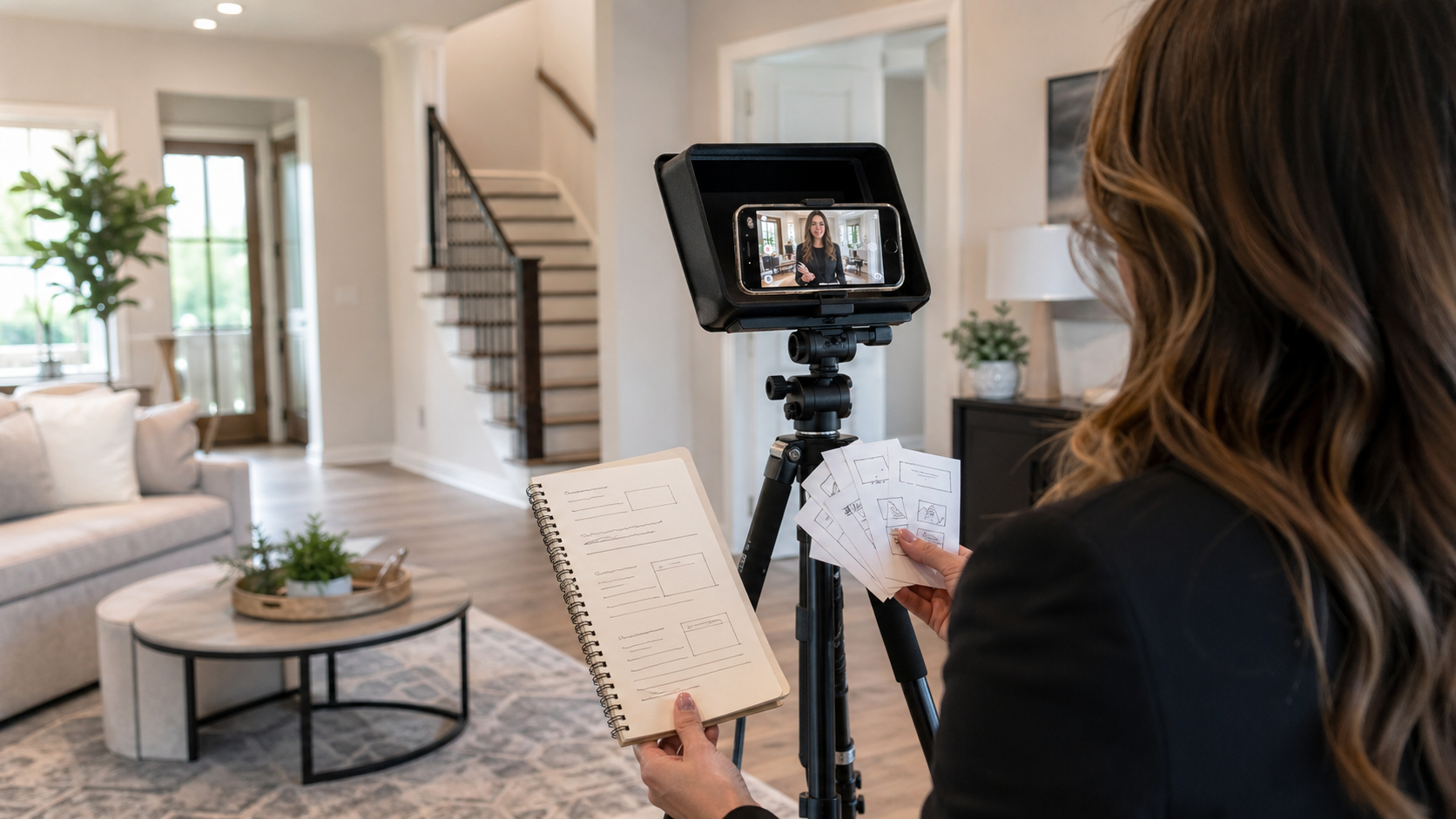
A listing video script should make the property easier to understand, not make the agent sound like a brochure. The mobile teleprompter is useful when the script is built in short spoken blocks that guide the tour while leaving room for a natural delivery.
This article covers the writing step: how to turn listing notes into a camera-ready script, where to place fact-heavy lines, and how to prepare the copy for a phone-based teleprompter. For the broader filming workflow, use the companion guide to recording property videos with a teleprompter app.
Start with the viewer before the room list
Before writing the first line, decide who the video is helping. A first-time buyer, relocation client, renter, investor, or luxury listing viewer needs a different opening. The script should name the practical reason to keep watching before it lists countertops, square footage, or room order.
A strong opening has three parts: who the home may suit, the one thing viewers should notice first, and the promise of a quick tour. Keep regulated, availability, neighborhood, school, financing, and market claims aligned with your brokerage and listing materials.
Build the script from five listing cards
Write the script as five cards instead of one dense paragraph. Short cards are easier to read in a mobile teleprompter and easier to rearrange after a test take.
- Hook: one sentence that frames the property for the right viewer.
- Entry: where the camera starts and what the viewer should orient around.
- Highlights: two or three rooms, upgrades, or layout decisions that matter most.
- Lifestyle bridge: how the space is actually used, not just what it contains.
- Next action: how the viewer can ask for details, book a showing, or save the listing.
Teleprompter Automatic product documentation covers script and folder management, so agents can keep these formats as reusable listing templates. The template should protect structure, while the property-specific facts change every time.
Turn listing facts into spoken lines
Listing descriptions often stack facts because they are meant to be scanned. Video scripts need shorter spoken lines. Put one claim per line, then add the viewer benefit on the next line.
Instead of writing, “The renovated kitchen includes quartz counters, new appliances, custom cabinetry, and a walk-in pantry,” split it into a teleprompter-friendly sequence:
The kitchen has quartz counters and newer appliances.
That matters because the prep space is open to the living area, so the room works for hosting without separating the person cooking from everyone else.
The first line preserves the listing fact. The second line explains why the viewer should care. This is usually more natural on camera than trying to read a complete brochure sentence while walking.
Add delivery marks before importing the script
A mobile teleprompter can show the words, but the script still needs speaking cues. Add simple marks before you import or open the script: short paragraphs, bracketed camera moves, and pause lines where the agent should let the room speak.
- Use one idea per paragraph so the reader never chases a block of text.
- Add notes such as [turn toward kitchen] or [pause on window view] only where they prevent confusion.
- Keep names, numbers, and compliance-sensitive details in exact wording.
- Cut adjectives that would feel exaggerated if spoken aloud in the room.
If the script starts in a document, the site guide to creating and importing scripts in Teleprompter Automatic covers the product workflow after the copy is ready.
Use this 60-second listing script pattern
For a short listing video, aim for roughly one clear idea every five to eight seconds. This pattern gives enough structure for a phone teleprompter without forcing the agent to race.
- 0-8 seconds: “If you are looking for [buyer need], this [property type] is worth a closer look.”
- 8-18 seconds: “The entry opens into [main space], so the first thing you notice is [layout or light].”
- 18-35 seconds: Mention two room highlights with one benefit each.
- 35-48 seconds: Add one lifestyle sentence: working from home, hosting, outdoor space, storage, commute, or privacy.
- 48-60 seconds: Close with the next action and avoid pressure: “Message me for the details or to schedule a showing.”
For longer listing tours, keep the same shape but give each major room its own card. For short social clips, use only the hook, one standout feature, and the next action.
Set the mobile teleprompter for speech, not silent reading
After the script is written, test it aloud in the app. Product documentation for Teleprompter Automatic covers configurable reader controls and multiple scrolling modes on Android, plus reader settings on iOS. For a listing script, the useful test is spoken pace: if a line cannot be said cleanly while looking near the lens, rewrite the line before changing the recording setup.
The scrolling and reader controls guide is the next step when the words are ready. Then check camera and recording settings before filming, especially if the phone is mounted, the room is bright, or the microphone position changes between rooms.
Keep reusable templates without making every property sound the same
Reusable listing scripts save time, but viewers can hear when a template is too generic. Keep the same five-card structure and replace the evidence: actual room use, the best angle for the camera, the strongest buyer question, and the closing action for that listing.
A practical folder system is to save templates by format: apartment tour, single-family tour, rental update, open-house reminder, neighborhood teaser, and sold recap. That mirrors how agents work and keeps the teleprompter library useful on busy recording days.
Finish with a test take, then record
Record the hook and one highlight first. If the agent sounds stiff, the script is probably still written for reading instead of speaking. Shorten the line, move the most important noun earlier, and remove any phrase that would feel strange in a normal showing.
Once the script passes the test, move into the full property-video workflow: open the prepared script, set the reader, mount the phone near the lens, record the take, review it, and then use record and export tools only after the message is clear.
Related Teleprompter Automatic guides
- Teleprompter Automatic for content creators - the broader creator workflow hub for scripted video.
- teleprompter app for real estate property videos - the companion filming workflow for agents.
- create and import scripts - use after the listing copy is approved.
- scrolling and reader controls - tune the teleprompter for spoken pacing.
- record and export videos - move from script rehearsal to usable clips.