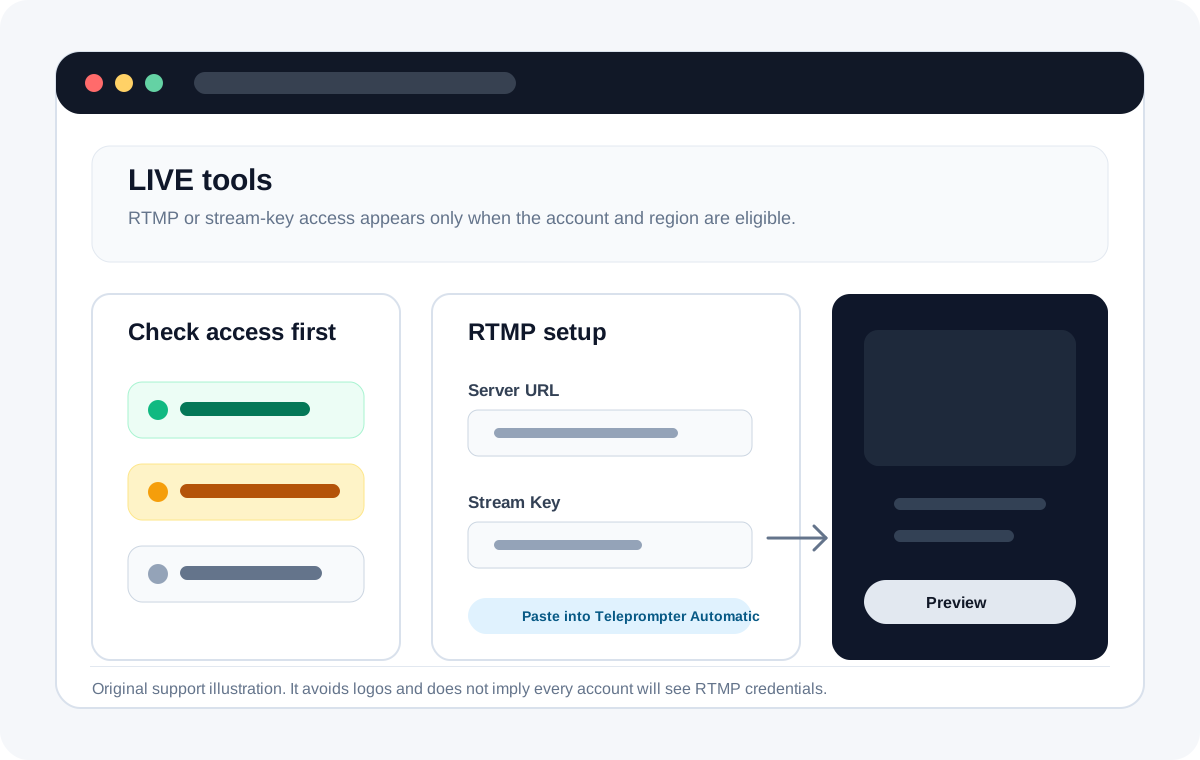
TikTok LIVE stream URL and key access depends on TikTok account eligibility. If TikTok does not show RTMP details for your account, Teleprompter Automatic cannot create those credentials; it can only use the URL and key you paste.
Before you start
Check that your TikTok account has access to LIVE and to streaming from external software. TikTok availability can vary by region, account age, age requirements, follower requirements, and account standing.
Look for TikTok LIVE RTMP details
- Open TikTok Studio, TikTok LIVE Center, or the creator LIVE tools that TikTok makes available to your account.
- Create or prepare a LIVE session.
- Look for a streaming software, LIVE Studio, or RTMP setup option.
- If TikTok shows a Server URL and Stream key, copy both values.
- If no URL or key appears, use TikTok's own LIVE tools or wait until the account has RTMP access.
Use the details in Teleprompter Automatic
- Open your script and choose Live Stream.
- Select TikTok.
- Paste the TikTok Server URL into Stream URL.
- Paste the Stream key into Stream Key.
- Start streaming from Teleprompter Automatic and monitor TikTok's preview or LIVE control surface.
If TikTok does not show a key
This is an account/platform access issue, not a Teleprompter Automatic setting. Do not use third-party key generators or share your TikTok login with unofficial tools.