Use a countdown when you need a few seconds to look at the lens, settle your posture, or start speaking cleanly. The countdown runs before recording starts; setting it to zero or off disables the delay.
Find the countdown setting
Open the reader or recording settings and look for Countdown Timer or Countdown. On the web reader, the prompter countdown uses a seconds value; in the mobile recording flow, the countdown appears before the recording begins.
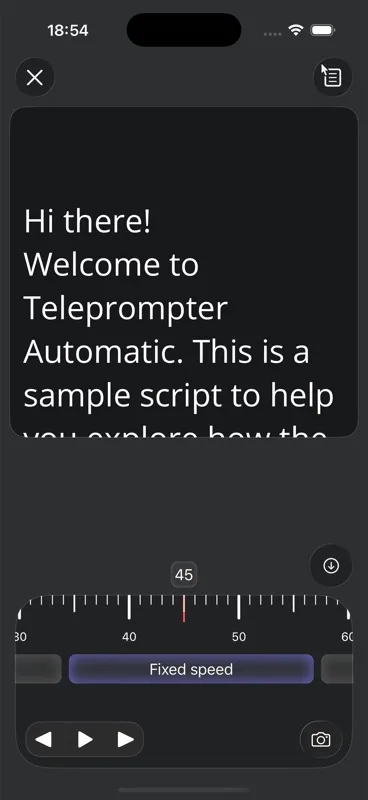
- Choose a short delay for handheld shots.
- Use a longer delay when you need to step back from the device.
- Disable the countdown for quick test takes.
Start recording with the delay
Tap record. The app displays the remaining seconds and then starts recording automatically. Use the countdown to prepare silently instead of trimming the first awkward seconds later.
Test it once
Make one short test recording before a long take. Confirm that the countdown is visible, that recording begins after the last number, and that your first spoken word is not cut off.