Use Facebook Live with Teleprompter Automatic by copying the Server URL and Stream key from Facebook Live Producer. Teleprompter Automatic does not create the Facebook event for you yet; it sends your camera feed to the RTMP or RTMPS destination you paste.
Before you start
Open Facebook in a desktop browser when possible. Decide whether you are going live on your profile, a Page, or a group, because Facebook shows the stream details inside the setup flow for that destination.
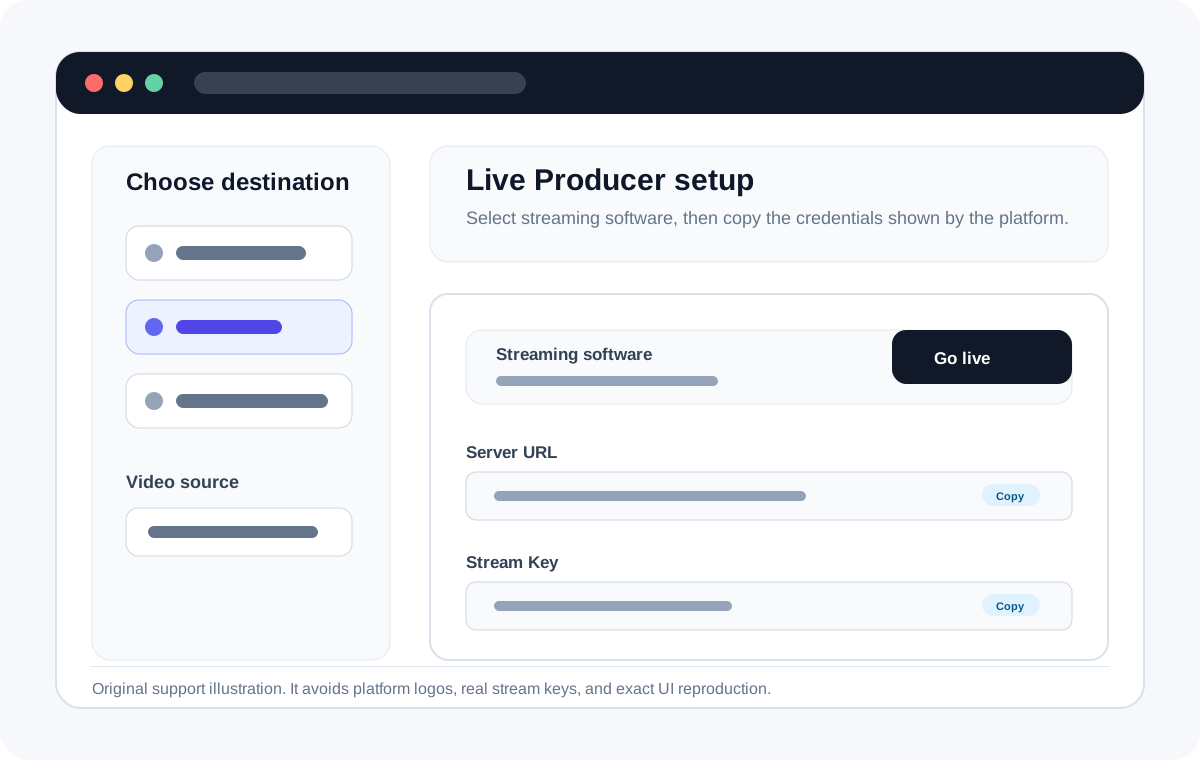
Find the Facebook Server URL and Stream key
- Open Facebook Live Producer or go to facebook.com/live/create.
- Choose where the live video will be posted.
- Select streaming software as the video source.
- Copy the Server URL and Stream key shown by Facebook. If Facebook offers a persistent stream key, use it only when you are sure you want to reuse the same key.
Use the details in Teleprompter Automatic
- Open your script in Teleprompter Automatic.
- Choose Live Stream, then Facebook.
- Paste the Facebook Server URL into Stream URL.
- Paste the Facebook Stream key into Stream Key, then start the stream from the app.
- Return to Facebook Live Producer, confirm the preview, add the post details, and start the broadcast there if Facebook requires confirmation.
Keep the key private
A stream key works like a password for your live destination. Do not show it on screen, save it in public notes, or send it in support screenshots.