Instagram provides the RTMP Stream URL and Stream Key inside Live Producer on Instagram.com. Open Create → Live video on a desktop browser, copy both values, and paste them into the matching Instagram fields in Teleprompter Automatic.
Quick answer: where is the Instagram stream key?
Instagram provides the RTMP Stream URL and Stream Key inside Live Producer on Instagram.com. Open Create → Live video on a desktop browser, copy both values, and paste them into the matching Instagram fields in Teleprompter Automatic.
What you need before opening Live Producer
- A professional Instagram account with Live access available
- A desktop browser signed in to Instagram.com
- A prepared title and audience selection for the live session
- A stable connection and the Teleprompter Automatic live-stream screen
Before you start
Use a desktop browser and sign in at Instagram.com. If the Live Producer option is not visible, check that the account is eligible and set up as a professional account where Instagram offers Live Producer.
Find the Instagram Stream URL and Stream key
- Open Instagram.com on desktop.
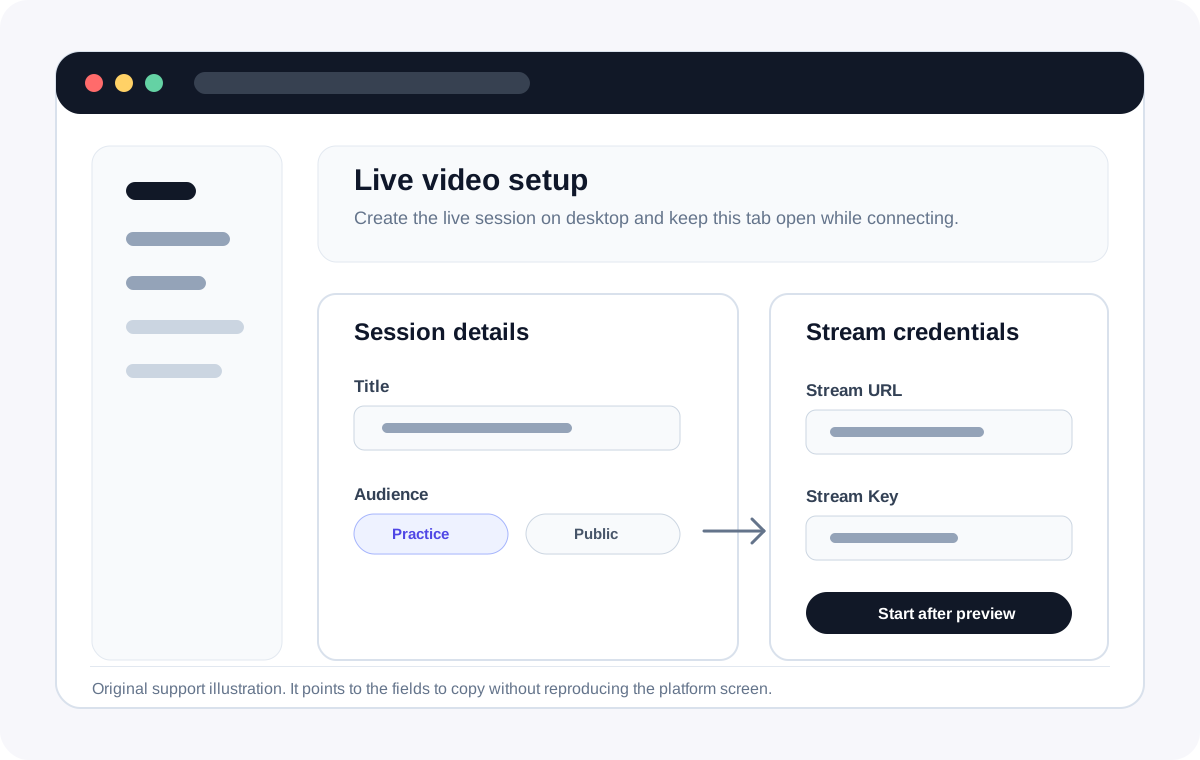
- Choose Create, then Live video.
- Set the live title and audience if Instagram asks for it.
- Copy the Stream URL and Stream key from the Live Producer screen.
- Keep the Instagram Live Producer tab open while you connect from Teleprompter Automatic.
Use the details in Teleprompter Automatic
- Open your script and choose Live Stream.
- Select Instagram.
- Paste the Instagram Stream URL into Stream URL.
- Paste the Stream key into Stream Key.
- Start streaming from Teleprompter Automatic, then confirm the preview and start the broadcast in Instagram if required.
Refresh the key for each session
Instagram stream details can be session-specific. If a key stops working, create a fresh Live Producer session and paste the new values.
Why Instagram Live Producer or the stream key may not work
- No Live video option: confirm that the account is professional and currently eligible for Instagram Live.
- No preview in Instagram: start the outgoing stream first, keep Live Producer open, and wait for its preview before pressing the final Go Live control.
- Rejected key: remove leading or trailing spaces and create a new Live Producer session if the key has expired.
- Wrong destination: paste the server URL into Stream URL and the secret value into Stream Key; do not combine them.
Treat the stream key like a password
Do not publish, screenshot, or send the Stream Key to another person. Anyone holding an active key may be able to send video to that live destination. If a key was exposed, close the session and generate a new one.