Your first step · Deliver a clear opening on camera
Try your opening
Use the first-minute lesson. Choose the person you are speaking to, say why the topic matters to them, then make one short attempt.
Start this exerciseTELEPROMPTER AUTOMATIC · SPEAKING SCHOOL
Prepare for a video, a meeting or a short presentation with examples you can read aloud and exercises you can try straight away.
TRY A ONE-MINUTE EXERCISE
Think of something you would recommend to a friend: a book, a place, or a useful habit. Use these three prompts, then say it aloud.
Choose your subject, then start the timer.
The minute is up. Finish your sentence. Did you explain what you recommend and why?
No recording is needed. Finish your thought even if the timer runs out.
Open the full first lessonTHE FREE FOUNDATION
Follow the lessons in order, or choose the one that fits your next speaking task. Each includes an example, an exercise and questions to help you review your work.
HOW THE LESSONS WORK
Read the explanation and see how it works in a sample speech.
Write a few sentences, mark pauses or speak from notes. You can record two attempts if you want to compare them.
Use the lesson questions to review your rehearsal, or listen to your recordings. Choose a passage to practise again if it needs work.
Your first step · Deliver a clear opening on camera
Use the first-minute lesson. Choose the person you are speaking to, say why the topic matters to them, then make one short attempt.
Start this exerciseYour first step · Explain an idea at work
Use the announcement exercise. Decide who needs the message. Tell that person the important fact and what they should do next, aloud.
Start this exerciseYour first step · Make words easier to follow
Choose the three-minute warm-up. Take one short phrase from your intended opening, read it slowly, then say it at your ordinary speaking pace.
For diction, use the warm-up, tongue twisters and read-aloud passages in the practice library below.
Start this exerciseRecord a short speech, listen back and try it again with one change.
Write an announcement that tells your listener what they need to know first.
Prepare a short proposal and finish by saying what you want the listeners to do.
Choose where to pause and which words to stress in a short passage.
Explain a familiar subject using three notes instead of reading a full script.
Compare two recordings and decide what to practise next.
Free practice
Warm up before a recording, work on diction or try short exercises for your voice, breathing and posture. Every exercise is free and opens without an account.
 18 exercises Tongue twisters for adults 18 original tongue twisters. Choose one and read at your own pace. Practise
 Two routines A speech warm-up before recording A 3- or 5-minute routine. Rehearse the words you are about to record. Practise
 6 exercises Short texts for diction practice Six short passages. Read aloud and check one important detail. Practise
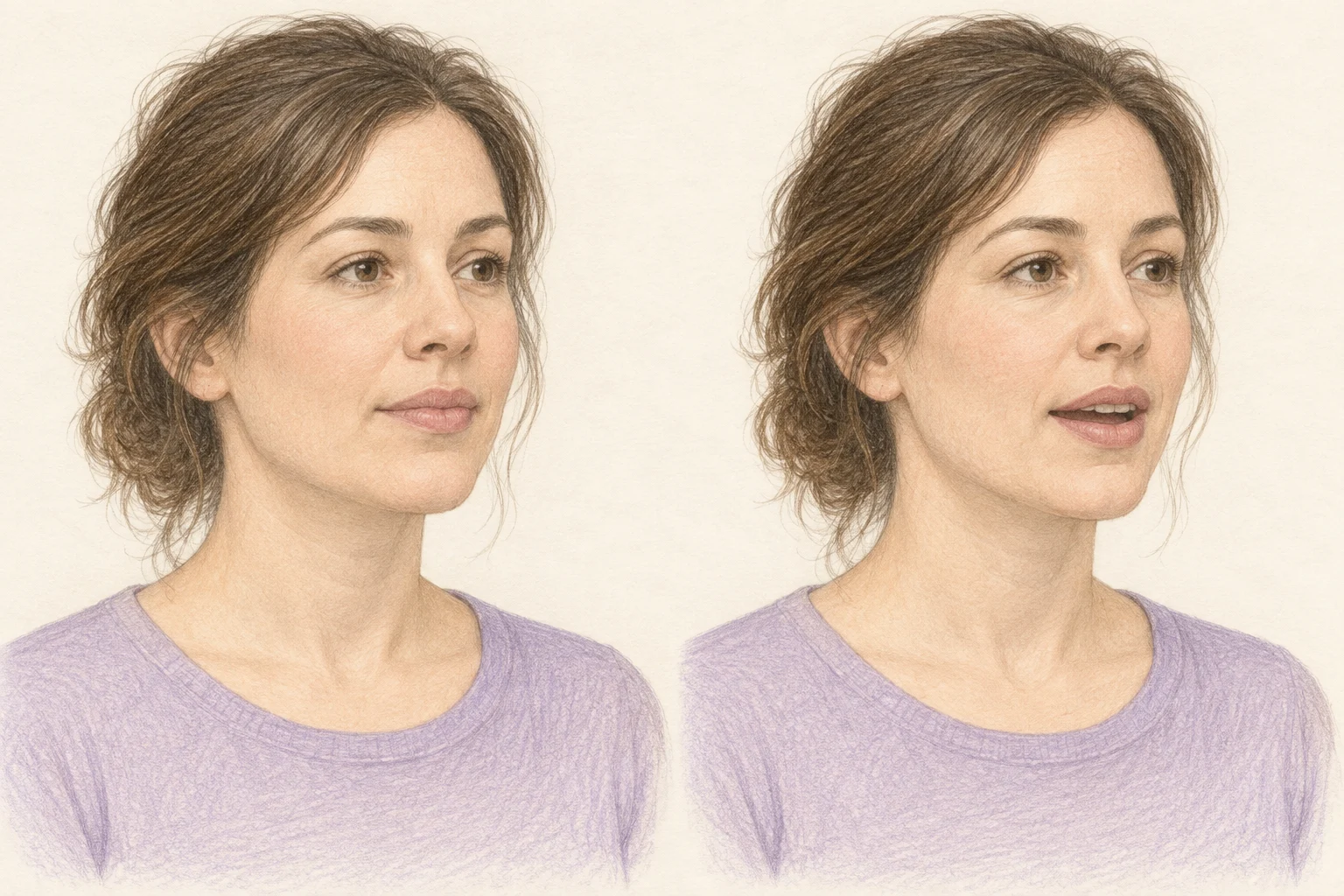 3 exercises Vocal warm-ups Try three short vocal warm-ups: an easy hum, a small pitch glide and a hum into a vowel. Use your own comfortable pitch, then return to ordinary speech. Practise
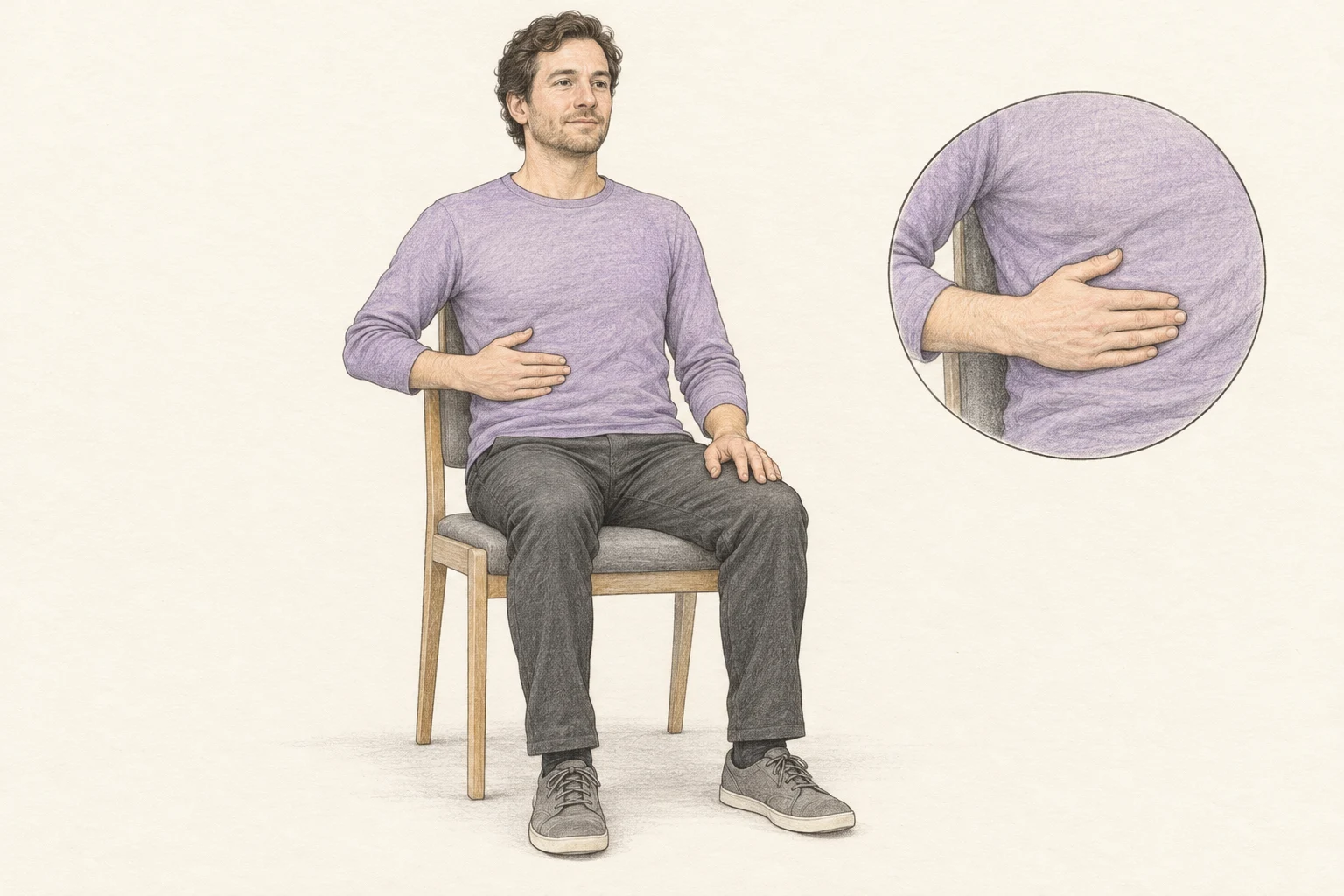 3 exercises Breathing for speech Explore natural breathing, an easy out-breath and pauses between phrases. Three short exercises include an optional visual guide and everyday speaking examples. Practise
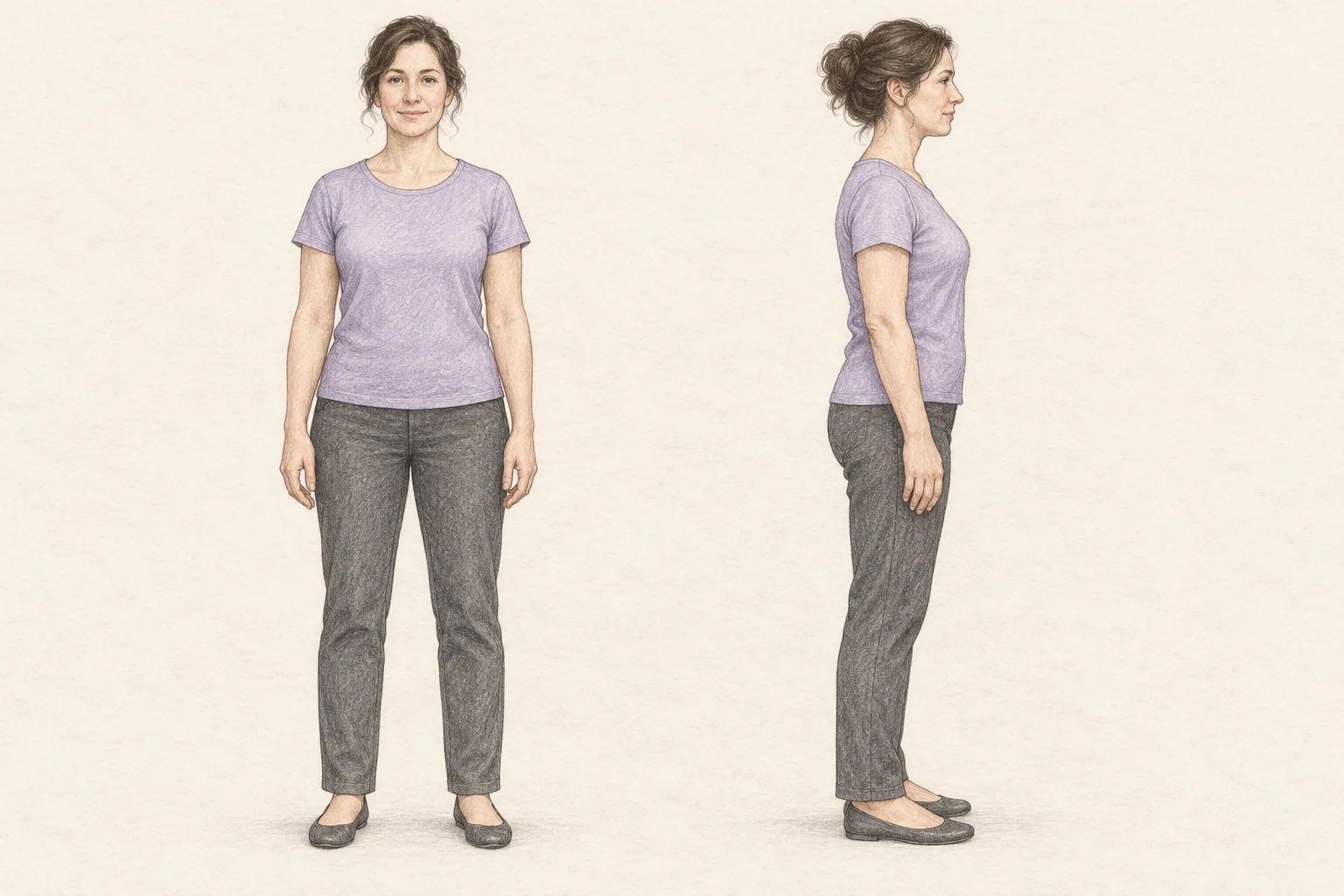 3 exercises Posture for speaking Try standing, seated and screen-position exercises with front and side illustrations. Check comfort and freedom to move, then say a short message. Practise
GO FURTHER WITH PREMIUM
Practise speaking on camera, presenting at work or telling a story. All three programmes are included with active Teleprompter Automatic Premium access.
6 WORKSHOPS · PREMIUM
Rehearse a script for a video. Practise looking toward the camera, leaving pauses and continuing after you lose your place.
A clear, conversational video explanation.
6 WORKSHOPS · PREMIUM
Prepare an update or proposal for a meeting. Explain the numbers, connect the sections and rehearse answers to questions.
A short presentation with a clear recommendation.
6 WORKSHOPS · PREMIUM
Build a story around a real situation. Choose the details a listener needs, explain what happened and support your conclusion.
A complete story with a clear conclusion.
ALREADY HAVE PREMIUM?
Sign in with the same Teleprompter Automatic account you use in the app. The eighteen workshops open with your active Premium access.
If your purchase is not linked to your account, use the Premium restore guide before purchasing again.
Use a recorder you already know, or rehearse with the browser teleprompter. Recording is optional.
These are self-guided programmes without a teacher or certificate. Your account also offers optional Premium AI reviews in nine supported lessons, including introductions, clear messages, explanations and arguments.
A saved example from the short-speech structure lesson, using a fictional tool-sharing proposal. This is a demonstration, not an assessment of your speaking. Translations are for illustration.
New people should be able to try the workshop before buying their own tools. I suggest we use our empty shelf for a small shared-tool trial. At the moment, a newcomer can arrive ready to learn but be unable to start because they have not brought the basics. A clearly labelled shelf would give the organiser a place to keep a few shared items and explain how to return them. We do not need to decide the permanent arrangement today. First, agree which tools can be shared, who checks them, and how long the trial lasts. At the end, review what was used and what caused problems. My proposal is to agree those three details at our next meeting and then decide whether to begin.
Your ending gives the audience a concrete next action and a clear time to take it.
Repeat the speech with one specific tool in the newcomer example, explaining briefly how borrowing it would let them join the activity.
The review used the complete written proposal. No audio was submitted, so this example says nothing about pronunciation, intonation or delivery. AI feedback can be mistaken.
Practise and save attempts with a free account. Optional AI reviews require active Premium access and your consent; the account shows supported lessons and current limits before submission.
Open the short-speech structure lessonBEFORE YOU BEGIN
Yes. All six foundation lessons, examples, interactive exercises and self-review checklists are free. You do not need an account.
No. The eighteen Premium workshops are included with active Teleprompter Automatic Premium access. Use the account that holds your access.
The public exercises use self-review. In your account, Premium includes an optional AI review in nine supported lessons using saved text or an audio recording you choose to submit. Each lesson reviews relevant aspects of your message, such as structure, explanation or supporting reasons. It does not assess pronunciation or vocal technique. Available lessons and current limits are shown in your account.
Yes. The foundation offers a suggested order, but every free lesson is open. Use the course map to move between lessons. Premium programmes focus on camera delivery, workplace speaking, and stories.