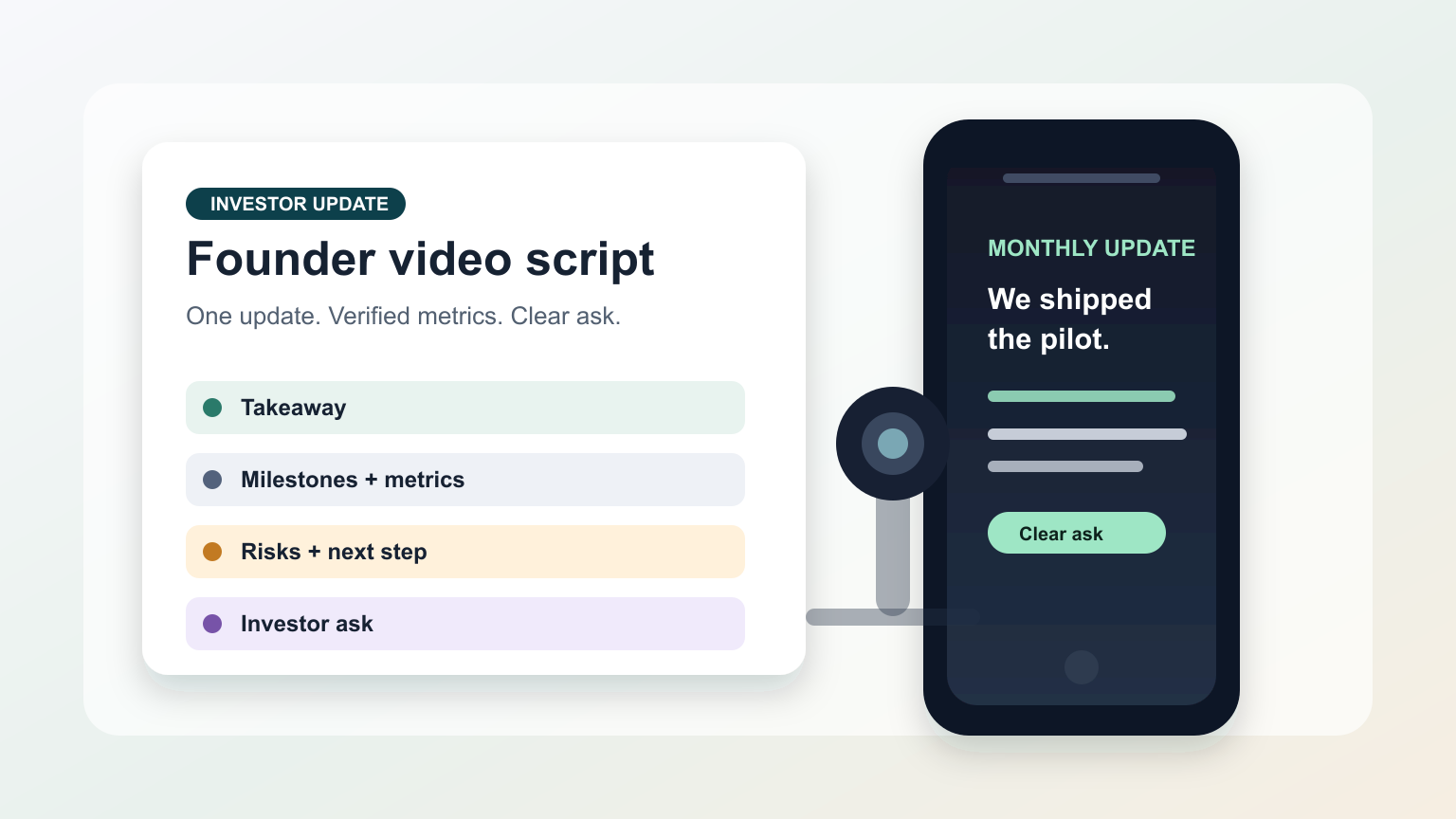
Investor update videos work best when the founder sounds prepared, specific, and calm. A teleprompter helps you keep the update in order without turning the message into a stiff board-deck readout.
Use this workflow for monthly investor updates, quarterly board previews, fundraising follow-ups, product milestone notes, and short team-to-investor recordings. The goal is not to make bigger claims; it is to deliver the verified facts, asks, and next steps clearly.
Decide what the investor should remember
Before writing the script, choose one main takeaway. A founder update can include revenue, runway, product progress, hiring, customer evidence, risks, and asks, but the viewer should not have to guess which point matters most.
Write the takeaway as a single sentence at the top of the script. For example: “We shipped the enterprise pilot, learned that onboarding time is the bottleneck, and need three finance buyer introductions this month.” Then build the rest of the video around that sentence.
If your update is closer to a live meeting or presentation, the teleprompter for business presentations and meetings guide covers a broader speaking format. This article focuses on a recorded founder update that investors can watch asynchronously.
Use a repeatable founder update structure
A repeatable structure makes the update easier to record and easier for investors to scan. Keep each section short enough to read from the teleprompter without looking like you are reciting a spreadsheet.
- Opening: the one-sentence takeaway and the period covered.
- Progress: two or three verified milestones, not every internal task.
- Metrics: the numbers you are comfortable sharing and the context needed to understand them.
- Learning: what changed your understanding of customers, product, market, or team capacity.
- Risks: the issue you are watching and what you are doing next.
- Ask: one or two specific investor actions, such as introductions, hiring leads, customer feedback, or follow-up questions.
This structure also gives you a reusable script template. Next month, you can update the sections instead of starting from a blank page.
Write sensitive numbers for speech, not slides
Numbers that work in a deck often sound crowded on camera. Put each metric on its own line and include just enough context for a listener. If a number is preliminary, unaudited, confidential, forward-looking, or still under review, label it carefully or leave it out of the recorded version.
A useful speaking pattern is: metric, direction, reason, next action. For example: “Activation improved from last month after we shortened onboarding. The next test is whether that improvement holds with larger teams.” That is easier to read than a paragraph full of percentages, acronyms, and footnotes.
Do not use the teleprompter to hide uncertainty. If a claim needs finance, legal, or board review, finish that review before recording rather than trying to soften it during the take.
Format the script for founder delivery
Teleprompter text should support eye contact. Use short paragraphs, plain spoken words, and visual breaks before metrics or asks. Put names, dates, and investor actions on separate lines so you do not rush them.
For a five-minute update, the script is often shorter than founders expect. The speech time calculator helps estimate whether the draft fits your target duration before you record. If the script is too long, cut detail from the video and attach the full deck or written update separately.
If the script starts in another writing tool, use the create and import scripts guide to move clean text into Teleprompter Automatic. Keep the teleprompter version focused on what you will say, not every internal note you want to remember.
Set reader speed by rehearsing the actual update
Investor updates need a slower pace than short social clips because the listener is processing metrics and decisions. Open the script in the reader, read the first two sections aloud, and adjust speed, text size, alignment, and cue position until you can keep your eyes near the lens.
Teleprompter Automatic documents reader controls such as fixed-speed, timed, words-per-minute, and speech-recognition scrolling on supported platforms. For a structured investor update, fixed or words-per-minute pacing is often easiest to audit because you can compare the script length with the target duration. Use the scrolling and reader controls guide for the setup details.
Record a short preflight before the real take
Do not make the first full investor update the test. Record 20 to 30 seconds with the same camera, microphone, lighting, and teleprompter position you plan to use for the final video. Watch it once for eye line, once for audio, and once for whether the numbers sound understandable.
Before recording, confirm camera choice, microphone, resolution, frame rate, countdown, grid, and mirror behavior in the camera and recording settings workflow. The preflight should catch practical problems before a sensitive update turns into a long retake session.
Make the ask unmistakable
Founders often bury the useful ask at the end. Investors are more likely to help when the request is specific, time-bound, and easy to repeat. Put the ask on its own teleprompter line, then pause after reading it.
- “We need two introductions to CFOs at Series B SaaS companies.”
- “Please reply with one candidate who has led enterprise onboarding.”
- “Send questions by Friday so we can answer them before the board packet.”
One strong ask is better than a list of vague help requests. If you need several actions, separate them in the written follow-up rather than making the recorded close feel like an agenda dump.
Review, export, and save the reusable template
After the take, review for clarity before polish. A clean founder update should answer: what changed, why it matters, what you are doing next, and what investors can do. If the message is clear, use the record and export videos guide for the output workflow.
Save the final script as a template for the next investor update. Keep the section headings, remove stale numbers, and add notes about the reader speed and recording setup that worked. This turns investor updates into a repeatable communication habit instead of a monthly scramble.
Common mistakes to avoid
- turning the video into a full board deck readout
- reading unreviewed financial, legal, hiring, or customer claims
- opening with a long greeting instead of the update headline
- packing too many metrics into one sentence
- setting scroll speed by silent reading instead of speaking aloud
- ending without a specific investor ask
Related Teleprompter Automatic guides
- Teleprompter Automatic for content creators - Connects founder updates to broader scripted video workflows.
- teleprompter for business presentations and meetings - Helps when the update will be delivered live instead of recorded.
- create and import scripts - Move a prepared update script into the app cleanly.
- scrolling and reader controls - Tune pacing and readability before the final take.
- camera and recording settings - Check the recording setup before sharing a business update.
- record and export videos - Save the finished update for distribution.