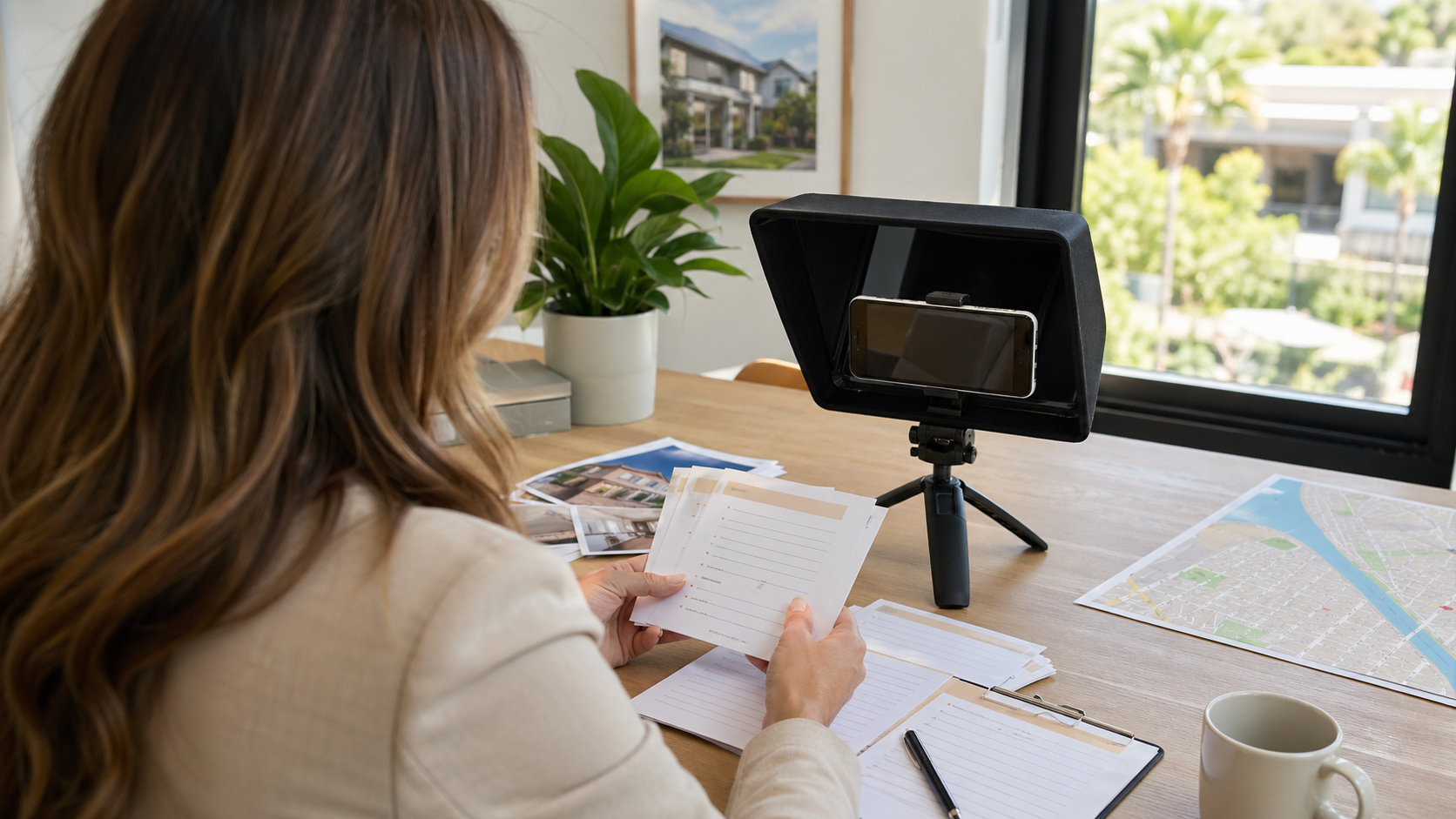
Real estate videos get easier when the agent starts from a reusable script shape instead of a blank page. A good teleprompter template keeps the opening, property facts, local context, and next action in order while leaving enough room to sound like a person walking through a home or neighborhood.
This guide gives real estate agents practical script templates for property tours, neighborhood updates, open-house reminders, and short social clips. It builds on the companion guide to writing a listing video script for a mobile teleprompter and the broader workflow for recording property videos with a teleprompter app.
Use templates as structure, not canned copy
A template should save the agent from rebuilding the same video every time. It should not make every property sound identical. Keep the sections repeatable, then replace the evidence: room use, buyer questions, location context, showing details, and the most useful next step.
Teleprompter Automatic product documentation covers script and folder management, configurable reader controls, recording, export, sync, and remote-control workflows across the app ecosystem. That makes templates practical: an agent can keep a small library of script formats, rehearse them aloud, and adapt the final lines before recording.
Property tour template
Use this for a walkthrough where the viewer needs to understand the home quickly. Keep each bracketed placeholder short enough to read while moving slowly.
If you are looking for [buyer or renter need], this [property type] is worth a closer look.
We are starting at [entry point], where the first thing you notice is [layout, light, view, or flow].
In the [room], the useful detail is [feature], because it helps with [daily use].
The second space to notice is [room or outdoor area], especially if you care about [storage, hosting, work from home, privacy, commute, or lifestyle].
Before we finish, look at [one detail viewers may miss].
If you want the details or a showing, send me a message and I will share the next step.
For a mobile teleprompter, split this into short paragraphs rather than one long block. Put camera notes in brackets only where they prevent confusion, such as [pause at kitchen island] or [turn toward balcony].
Room-by-room highlight template
Use this when the listing has several strong spaces and the viewer needs a calm sequence. This format works better than trying to mention every feature in one uninterrupted tour.
Here is the quick room-by-room version of [property type].
The entry sets up [first impression].
The main living area works well for [daily use or hosting reason].
The kitchen feature to notice is [specific verified feature], and the reason it matters is [benefit].
The bedroom or private area gives you [privacy, storage, light, workspace, or separation].
The extra space is [office, patio, garage, yard, laundry, storage, or flex room], which may matter if you need [viewer need].
That is the short tour. Message me for the listing details or to schedule a time to see it.
Keep regulated, availability, financing, school, commute, and market claims aligned with the listing materials and brokerage rules. The template helps the delivery; it does not replace verification.
Neighborhood update template
A neighborhood update is not only a market report. It is a trust-building video that helps local buyers, sellers, renters, or relocating clients understand what changed and why it matters.
Here is a quick update for [neighborhood or area].
The main thing people are asking about right now is [question or change].
One visible change is [new listing pattern, local project, traffic change, school calendar, business opening, seasonal factor, or inventory shift].
For buyers or renters, that means [practical implication].
For sellers or owners, it may affect [pricing, timing, preparation, or showing strategy].
The detail I would watch next is [specific next signal].
If you want a property-specific read, send me the address or the kind of home you are comparing.
Do not turn the teleprompter into a wall of statistics. Put each number or claim on its own line and mention only figures you can support from your own current materials.
Open-house reminder template
Use this for a short clip before an open house. The goal is urgency without pressure.
Quick reminder: [property type or address-safe description] is open on [day or time window].
If you are comparing homes with [buyer need], this one is worth seeing because of [one feature].
When you arrive, pay attention to [room, layout, storage, light, outdoor area, or location detail].
I will be there to answer questions about [showing topic, offer timing, neighborhood, or next steps].
Save this video or message me if you want the details before you stop by.
For privacy and compliance, avoid showing private addresses, access codes, personal client details, or unsupported claims in the script or in the frame. Keep the script useful even if the video is later reused as a recap.
Neighborhood short-form template
Use this for Reels, TikTok, Shorts, or a quick vertical update. One idea is enough.
One thing to know about [neighborhood] this week:
[specific change or useful observation].
That matters if you are [buyer, renter, seller, investor, or relocating client] because [practical implication].
My quick advice is [one action or question to ask].
Follow or message me for more local property updates.
Short-form scripts are often too dense because the agent tries to compress a full tour into 30 seconds. Keep the hook, one useful point, and one next action. Save the full property tour for a separate script.
How to organize templates in Teleprompter Automatic
A small template library is easier to maintain than a giant script archive. Start with five folders or naming conventions: property tour, room highlights, neighborhood update, open house, and short social clip. Product documentation for Teleprompter Automatic covers scripts and folders, so the practical workflow is to keep reusable formats separate from one-off listing scripts.
When a script is ready, use the guide to create and import scripts in Teleprompter Automatic. If the script starts on one device and recording happens on another, the product ecosystem also supports sync workflows when the user is signed in and sync is enabled.
Reader setup for template-based videos
Templates only help if they are easy to read aloud. Before recording, open the script and test the first two sections at speaking pace. If the template feels too formal, edit the words before changing the camera setup.
The scrolling and reader controls guide covers settings such as speed, text size, cue position, and scrolling behavior. For property videos, the practical test is whether the agent can look near the lens, breathe naturally, and still hit the next line without racing.
When to record a fresh version
Reuse the structure, not stale facts. Record a fresh version when the price, availability, open-house time, neighborhood condition, or buyer question changes. Also record again when the first take sounds like reading rather than showing.
For the recording step, use camera and recording settings before filming and record and export videos after the message is clear. Remote control can help when the phone is mounted out of reach, especially during walkthroughs.
Common template mistakes
- keeping placeholders so vague that the video says nothing specific about the property
- reading a listing description instead of rewriting it for speech
- using the same neighborhood script after facts or timing have changed
- putting too many numbers in one paragraph
- adding camera directions that are longer than the actual spoken line
- ending without a clear next action for the viewer
Related Teleprompter Automatic guides
- Teleprompter Automatic for content creators - connects real estate video templates to the broader scripted recording workflow.
- real estate listing video script guide - shows how to turn listing notes into spoken copy.
- teleprompter app for property videos - covers the filming workflow around the scripts.
- create and import scripts - use after choosing a template.
- scrolling and reader controls - tune reading pace before recording.
- record and export videos - move from rehearsed template to finished clip.