This page answers common billing and payment questions for Teleprompter Automatic. Billing depends on where the subscription was purchased: App Store, Google Play, or Web.
Where was my subscription purchased?
- App Store purchases are handled by Apple.
- Google Play purchases are handled by Google Play.
- Web purchases are handled from your Teleprompter Automatic account and billing portal where available.
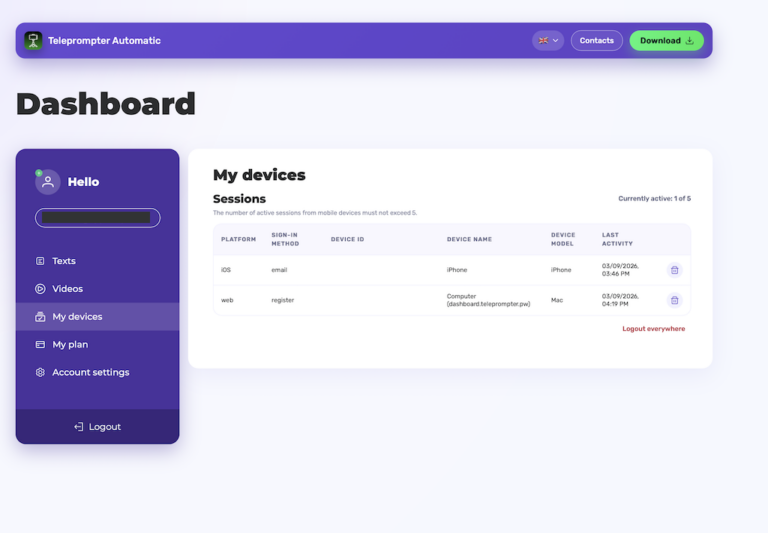
How do I check subscription status?
Open the platform where you subscribed. In the web dashboard, open My plan. The product UI includes plan status, expiration date, auto-renewal state, payment method state, and billing portal actions where applicable.
Why was I charged?
Subscriptions can renew automatically depending on the purchase platform and plan state. Check the platform receipt or billing portal for the exact renewal date, price, and payment method.
Can support cancel every subscription?
Support can guide you, but App Store and Google Play subscriptions must be managed inside the matching store account. Web subscriptions should be managed through the dashboard billing flow when available.
What should I send to support?
- Your Teleprompter Automatic account email.
- Purchase platform: App Store, Google Play, or Web.
- Approximate purchase date.
- Screenshot of the billing status without exposing full payment card data.
To cancel or change a plan, read manage your subscription. If premium access is missing, read restore purchases.
Billing safety tips
Do not send full card numbers, passwords, one-time codes, or store account credentials to support. A cropped receipt, transaction date, purchase platform, and account email are usually enough to investigate the route without exposing sensitive data.
Refund questions
Refund handling depends on the platform and local rules. If the purchase was made through App Store or Google Play, start with the matching store refund flow. For web purchases, use the Teleprompter Automatic support contact and include the order context.
For policy details, see the refund policy.