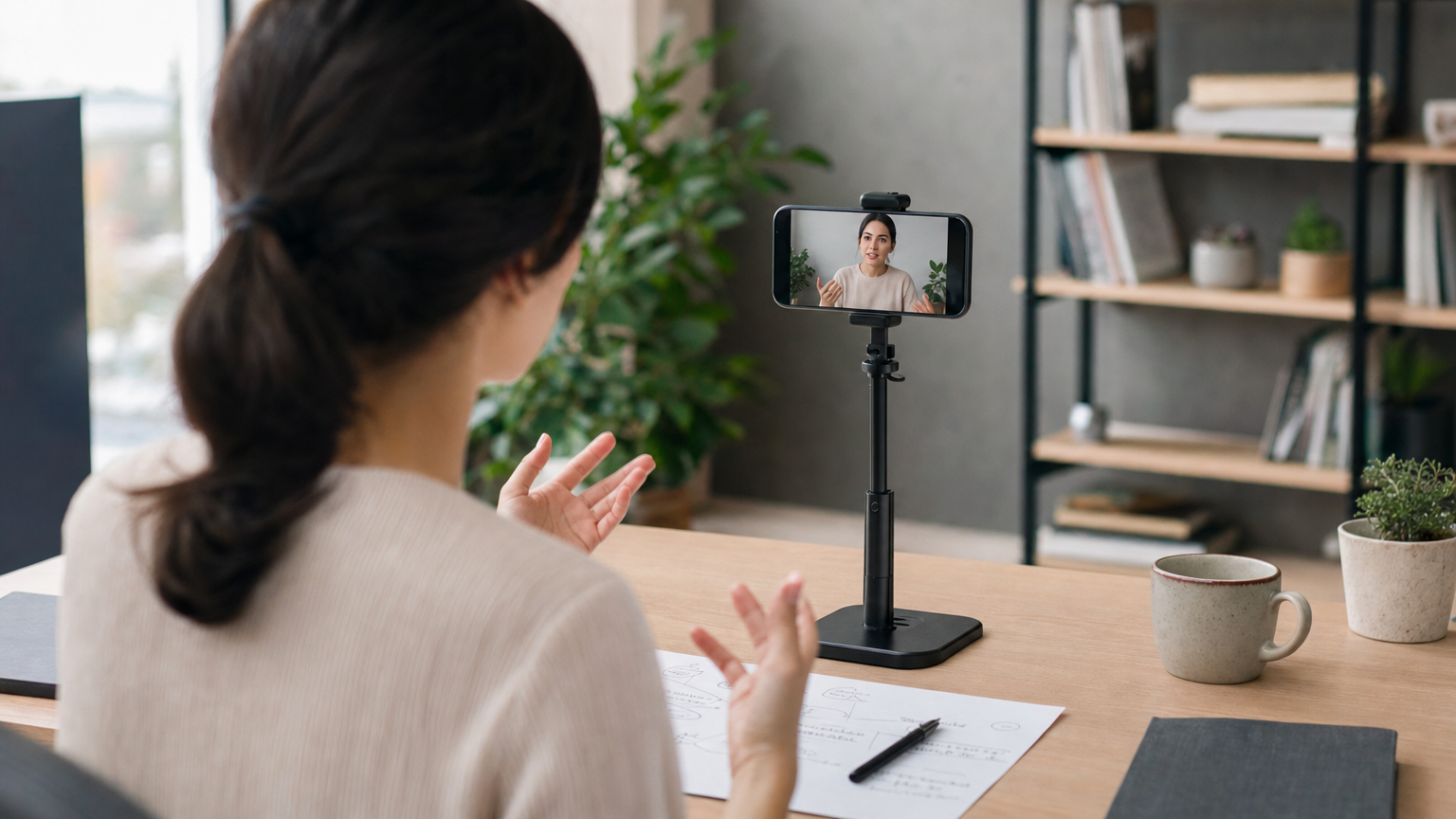
A landing page video should help someone understand the offer and decide what to do next. Before recording, identify a question the headline, images, and surrounding copy do not answer well on their own.
This guide covers that page-to-video handoff: choosing a message for the page, scripting it for spoken delivery, and checking the finished take beside the written call to action. For a broader filming workflow, see the video teleprompter recording guide.
Give the video one job on the page
Read the landing page before drafting the script. Note the headline’s promise, the action the page asks visitors to take, and a point where someone might still need an explanation. Make that point the video’s job rather than reciting every section of the page.
- Unfamiliar offer: explain who it is for and what happens after the visitor takes the next step.
- Offer that is easier to see than describe: show one representative action while explaining what the viewer should notice.
- Common hesitation: address it with a detail you can verify, rather than a blanket reassurance.
Choose one primary action for the ending. If the page asks visitors to request a consultation, do not end the video by telling them to buy immediately. Check offer details and any planned demonstration against the current page before filming.
Write a script that complements the landing page
Draft four short blocks: identify the visitor’s situation, explain the relevant offer, show or describe one verifiable point, and state the page’s next action. Keep filming directions in a separate shot list, not in the text you load into the teleprompter. Leave detailed specifications to the page unless a visitor needs them to understand your point.
Hypothetical script example — fictional appointment-booking service:
“Still arranging appointments by email? Here’s how our booking page works. A visitor chooses an available time, then sees the details before confirming.”
“If you want to see whether this fits your team, use the ‘Request a walkthrough’ button on this page.”
Separate shot-list note, not spoken or loaded into the reader: Show the booking step between those two lines.
The example shows a structure, not a verified product claim or a script to reuse unchanged. Replace its demonstration and button label with your actual offer and the action shown on your page. Remove any point you cannot show or substantiate. Teleprompter Automatic lets you create or revise a script; see create and import scripts
Set the reader for a natural explanation
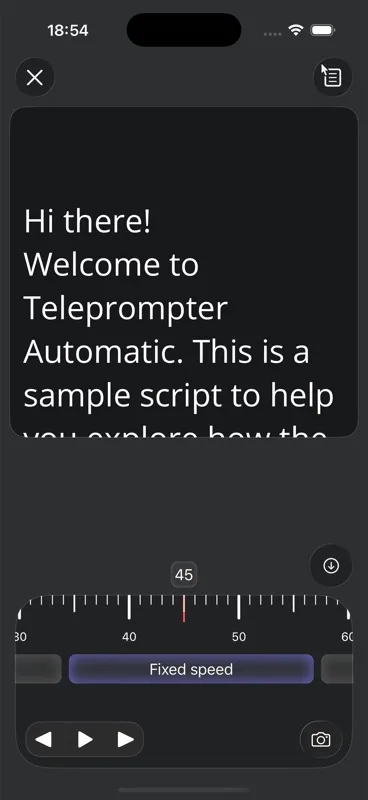
Open the spoken lines in Teleprompter Automatic and rehearse aloud, keeping your separate shot list nearby. The reader offers fixed-speed, timed, and words-per-minute scrolling. Try a pace that lets you finish each thought without hurrying. If you need to pause for a demonstration, rehearse that transition rather than assuming the scrolling text will wait for you. Adjust text size or the reading area if you find yourself searching for your place. The reader controls guide covers these adjustments.
In your shot list, note where the viewer needs to look at a product, person, or physical example. If a sentence is difficult to say while looking near the lens, shorten it before changing scroll speed again. Keep the call to action on its own line in the spoken script so you can deliver the final instruction without rushing.
Record a test take before the full video
Choose the camera and microphone you want to use, check access permissions, and make a short test recording. Play it back to check that the picture is sharp, speech is audible, the scroll pace feels comfortable, and the script does not cover your face. Teleprompter Automatic’s camera and recording settings guide recommends a 10-second test.
Consider where the video will sit on the page before settling on framing. If it will appear in a narrow player, leave room around your face and anything you demonstrate, then check the crop in that placement. A countdown can give you time to settle and look toward the lens before recording begins; see the countdown guide.
For the full take, speak to one visitor rather than performing the written page copy. Pause before a visual demonstration so the viewer can follow it. If a sentence goes wrong, start a new take from a clean thought instead of speeding up to catch the scrolling text.
Review the take beside the page—not in isolation
Watch the recording once for sound and delivery, then again with the landing page open. Does the opening match the page’s promise? Does any spoken detail conflict with the current offer? Can a viewer follow the demonstration at the size it will appear? Does the last sentence point to an action actually available nearby?
Keep the clearest complete take, not necessarily the most energetic one. Teleprompter Automatic’s record and export guide advises reviewing a take before uploading or exporting it. Use Export MP4 where the browser or platform supports MP4 export. Once you have the file, check it in the page’s intended player and layout before publishing. Make sure the essential next step is also clear on the page for someone who does not hear the video.
Landing page video questions
Should the video repeat the landing page copy?
Usually not word for word. Use it to clarify one decision, show something easier to see than read, or address a specific question. Keep offer details and the next action consistent with the page.
How long should my landing page video be?
Long enough to answer its chosen question and give the next action, but no longer than the explanation needs. Rehearse the spoken script and cut repeated points before deciding on a target duration.
What if I sound like I am reading?
Shorten dense sentences, put one idea on each line, and rehearse aloud. Adjust the reader pace to your natural speech, then record a short test and listen back.
Do I need to demonstrate the offer?
Demonstrate it when a visible step answers a visitor’s question better than a description. Otherwise, a clear explanation may be more useful. Show only details that accurately represent the current offer.